bricks, plaster, (me, a little)

bricks, plaster, (me, a little)
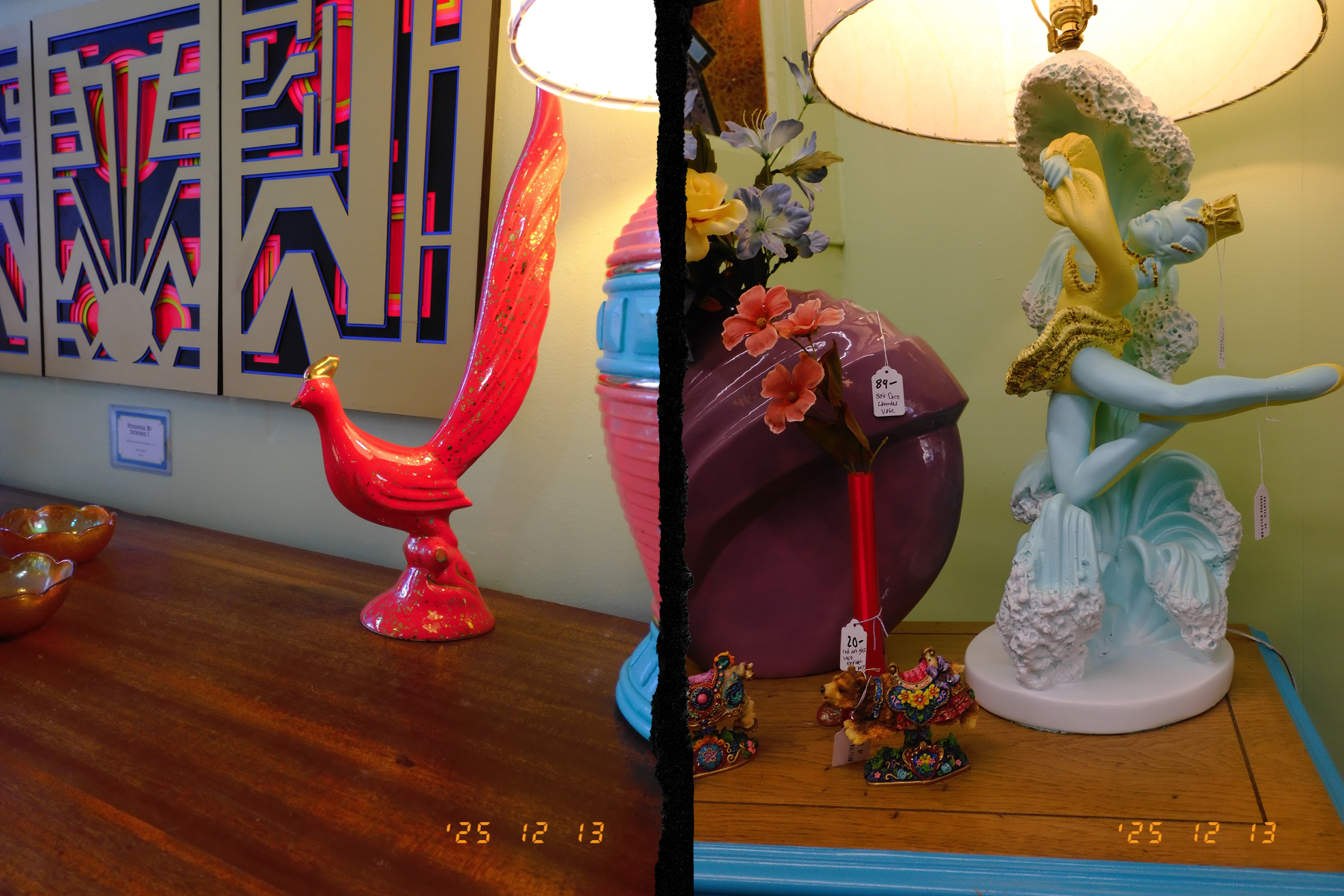
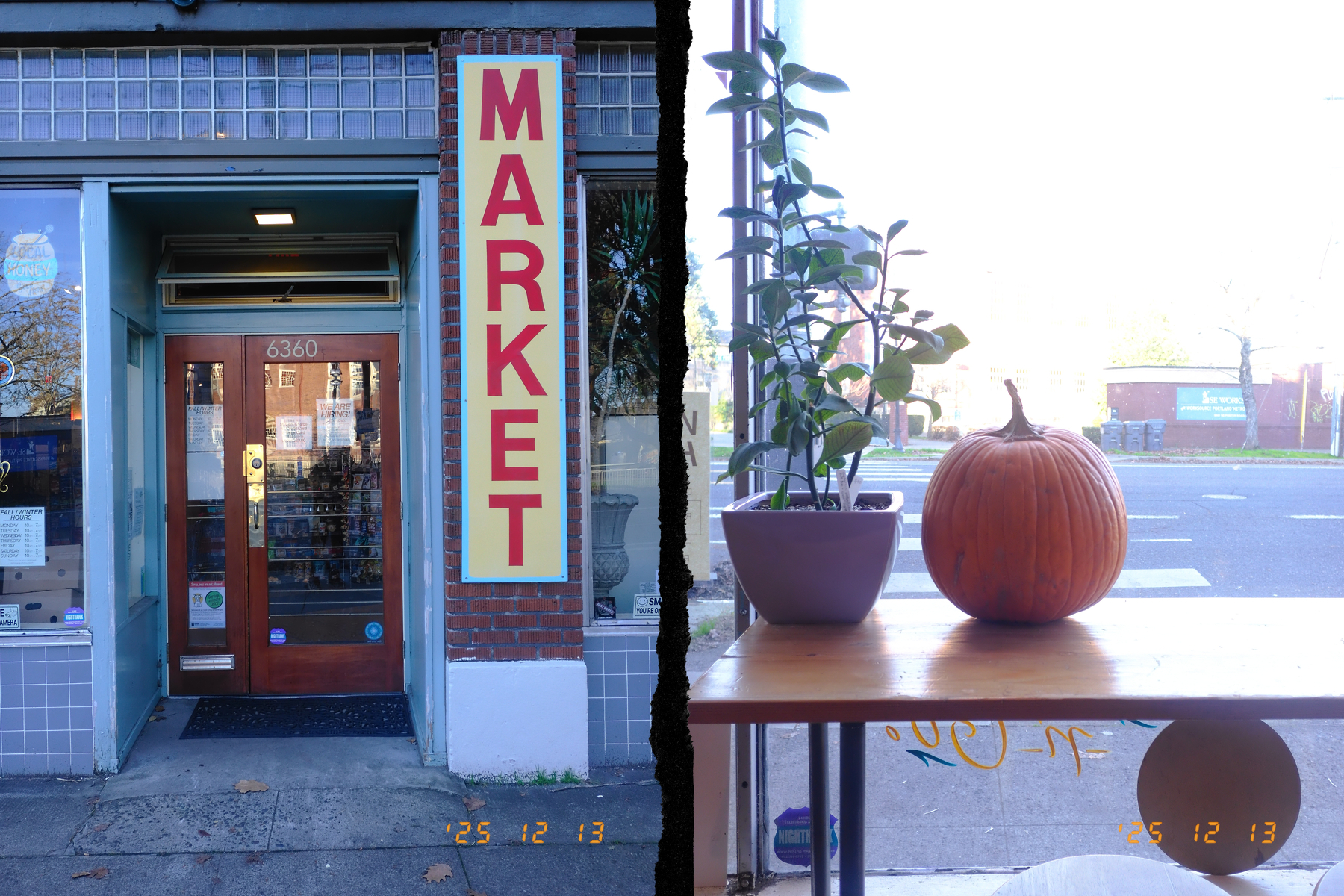
The 14 along Foster

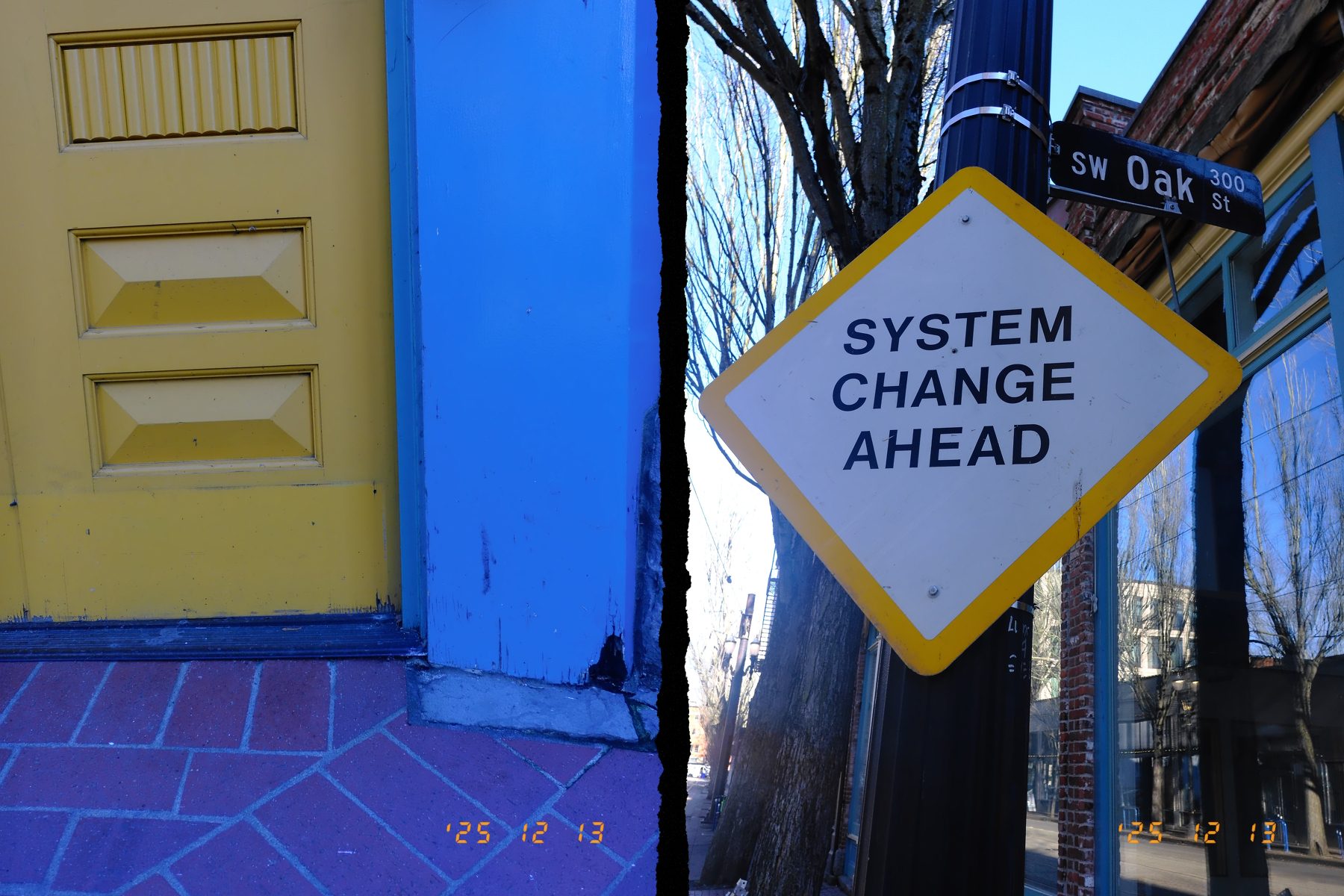
System change ahead. Oooo! Hope it’s socialism! 🚩
Christmas shopping downtown
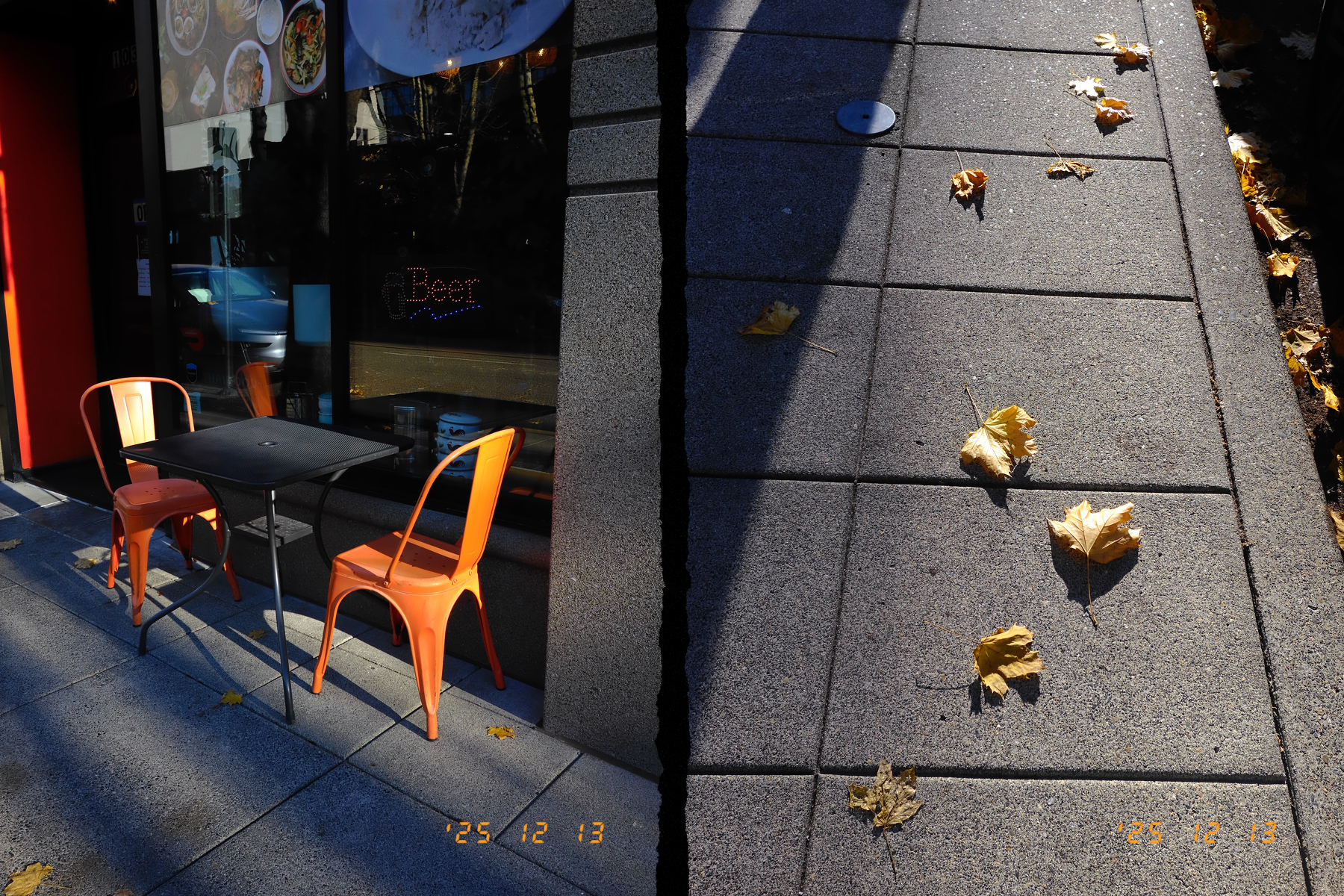
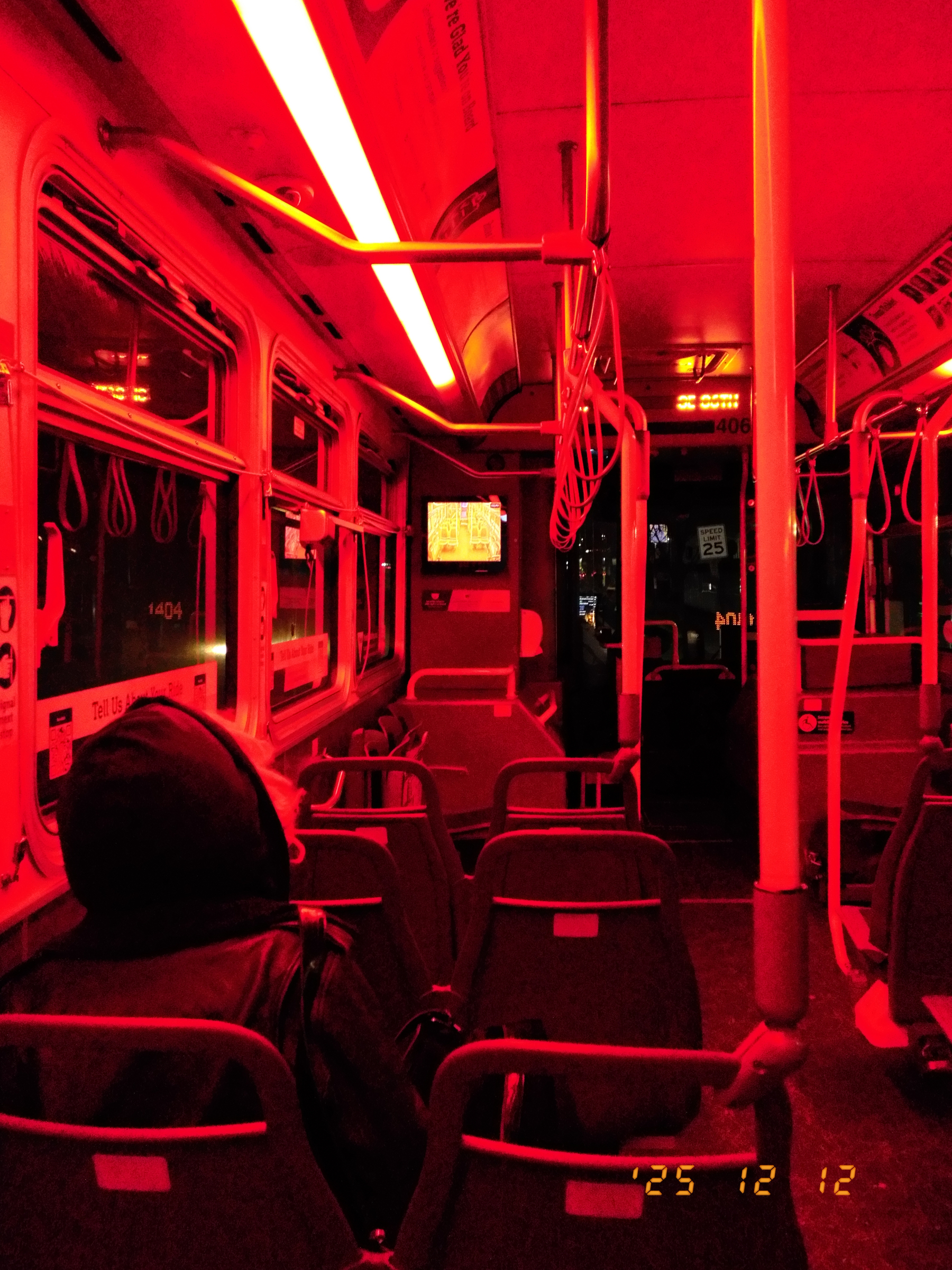
the 19
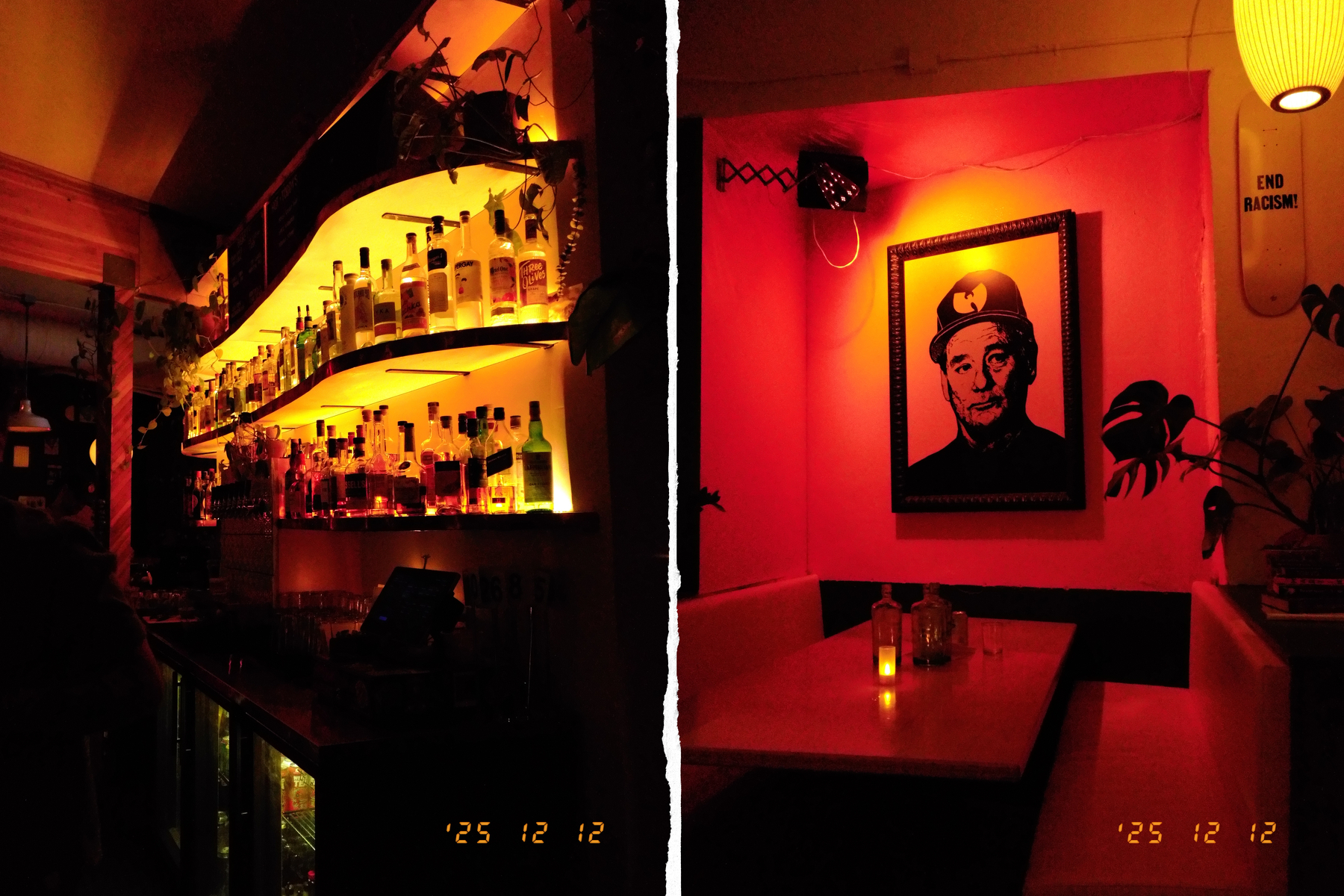
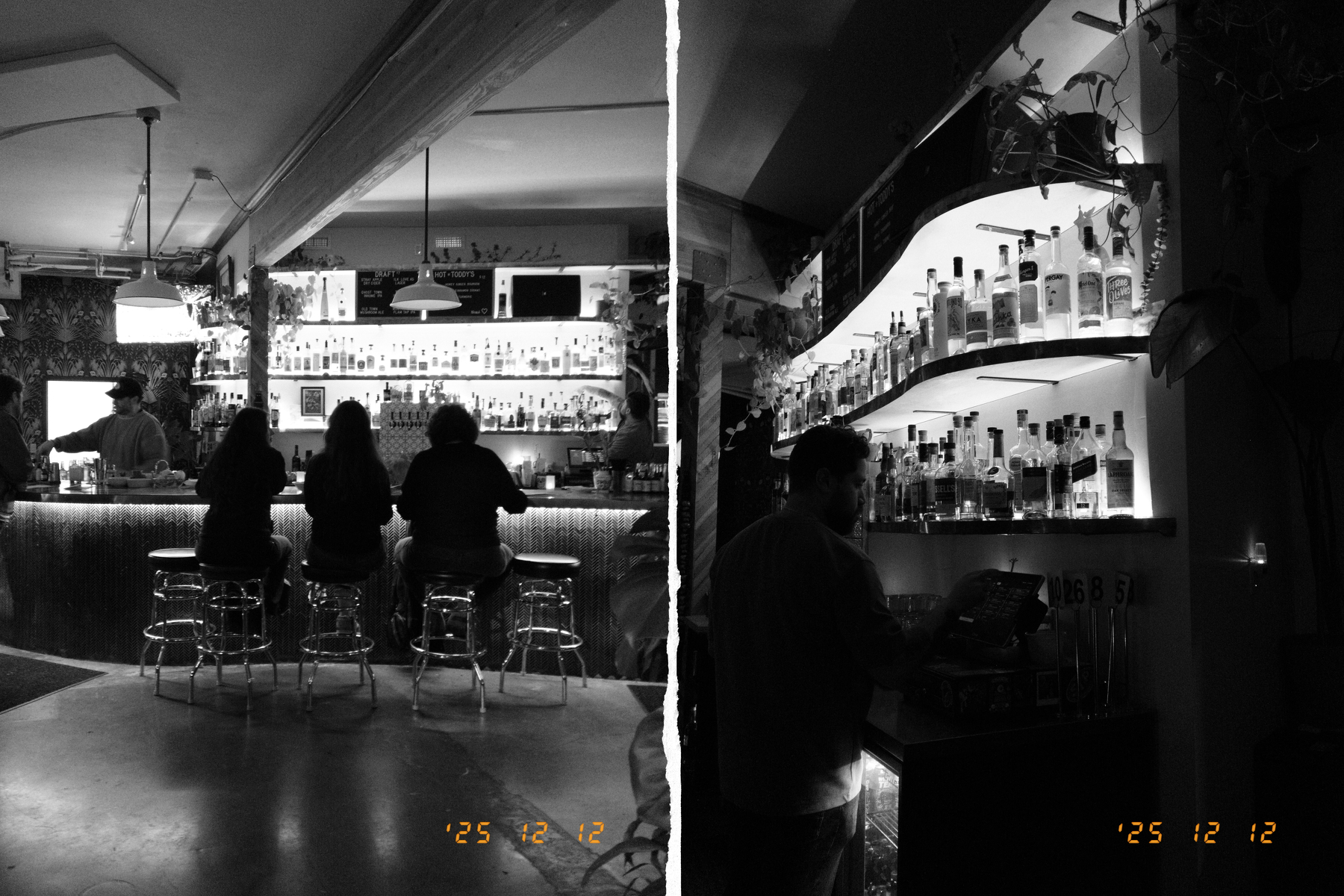
Ending the week at Bruno’s.
As an IT person, FedEx’s “you’re viewing what our customer care team would share with you” message at the top of every delivery status page hits me in the feels.
It’s like when they’re reading Balin’s final words in Moria.
I was 8 & we were driving from Chicago to the Twin Cities when the Volvo’s pump blew. We got to an overpass oasis then a blizzard rolled in. We got into the presents & played Mastermind for hours.
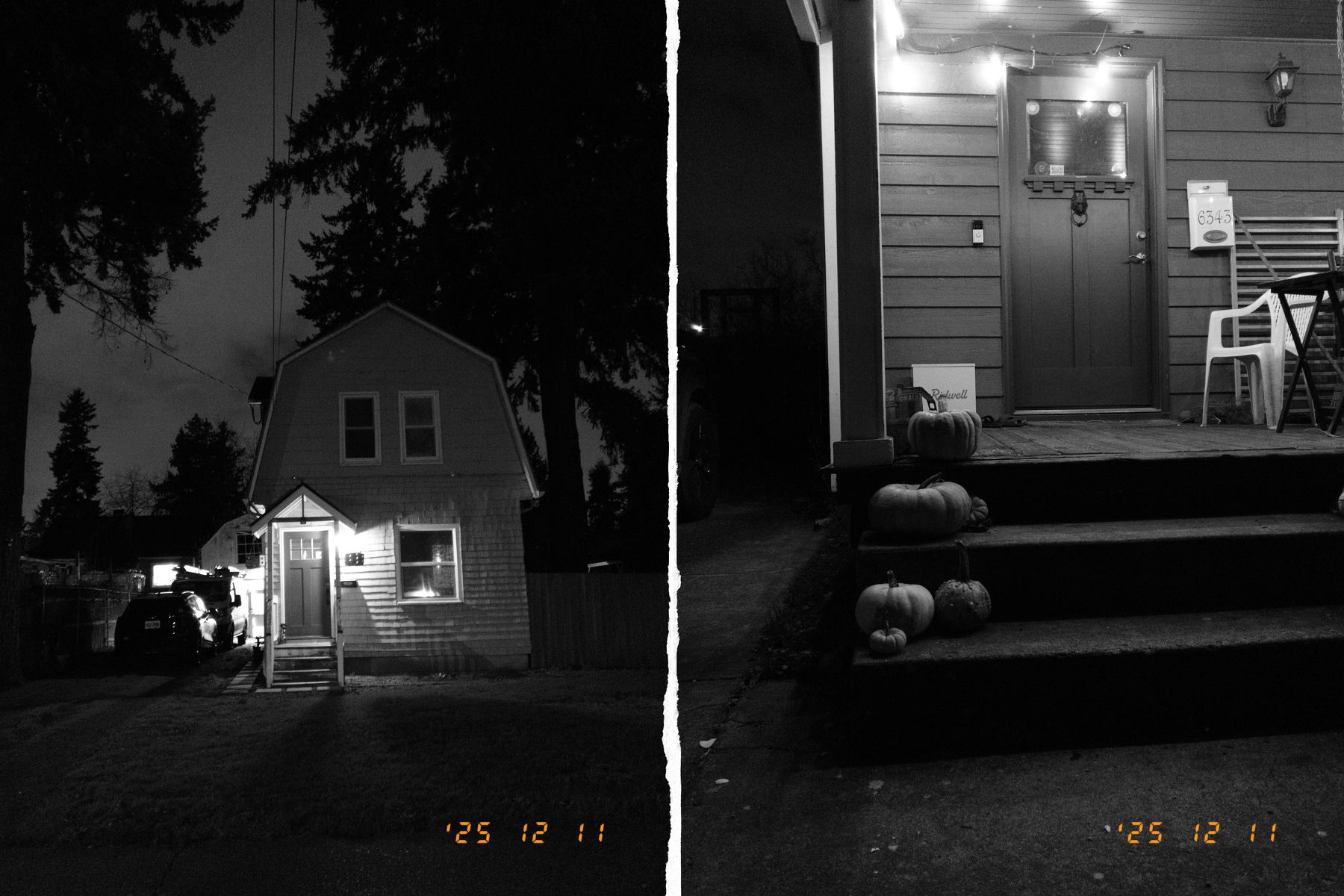
Night in Lents
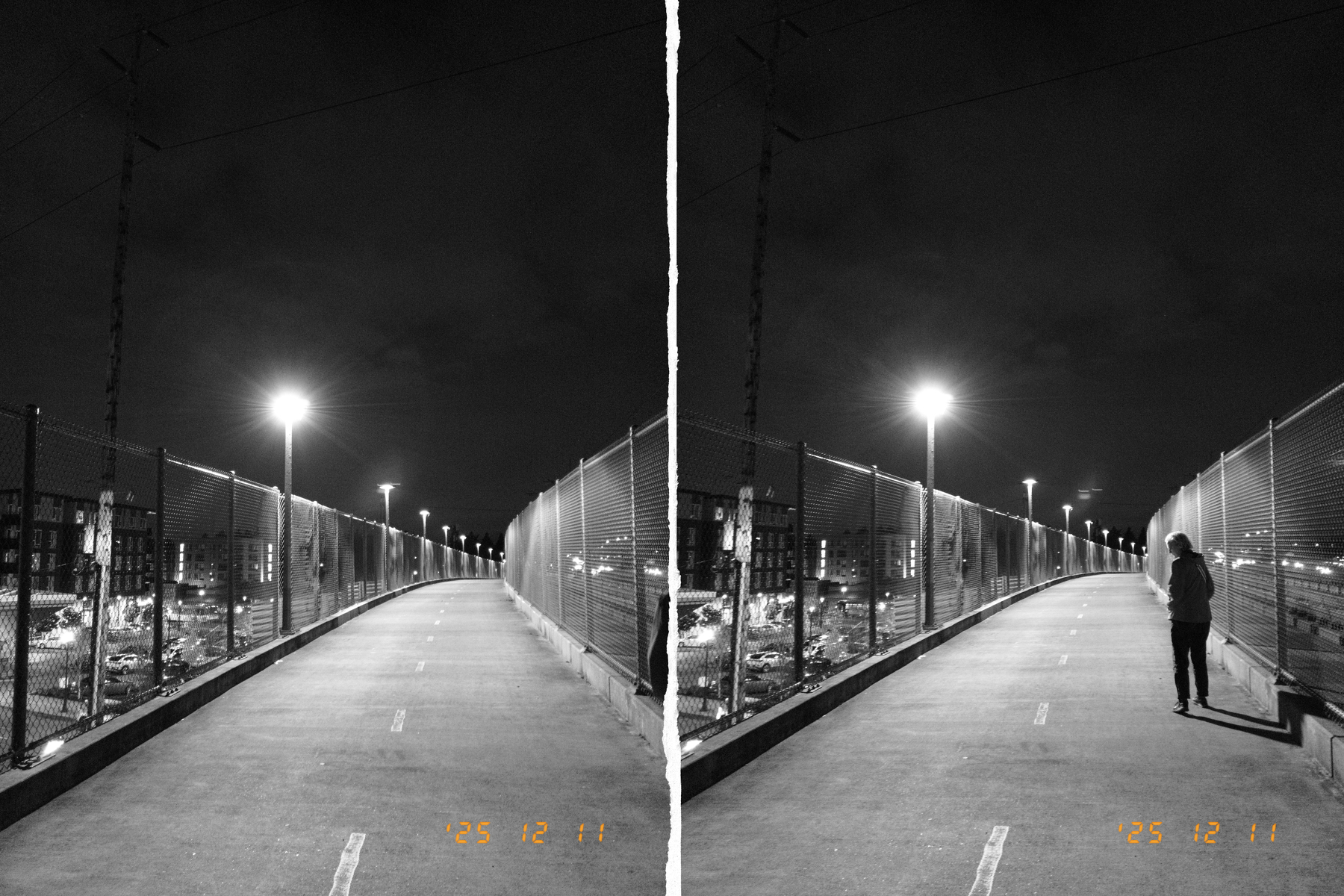
Say what you will about Bluesky, they’re very proactive about swatting down thirst-trap accounts.
Twitter: Moderation? lol
Mastodon: Really who is to judge? Thirsty people need followers, too.
pixelfed: It’s monochrome. I’ll allow it.
Threads: Whatever. It’s a DAU.
I’m not really a SooC fetishist, but leaving the X half’s timestamp turned on made me feel kind of uncomfortable about my reflexive straightening and cropping when I imported the images: It created an obvious cant or shift in the position of the stamp.
I think I’ll leave it on. I’ve gotten so used to having megapixels to spare that any time I take pictures in the city I rush a little to minimize how much time I’ve got the camera to my face, and I just fix composition and straightness in post. Maybe this’ll shame me into rectitude. Back to the basics. Sent to the farm for fresh air and hard work.
I recently chatted with a college age person about photography and social media. He has a friend who is very considered in her Instagram posting and tries to take nice pictures. He mentioned always noticing when her phone goes horizontal because it means she is composing. I think – he didn’t say this but I think I understand the dialect – those are probably considered “aesthetic” pictures in the way “aesthetic” has become an adjective.
My informant, on the other hand, prefers an aesthetic. He sort of wants his pictures to look a little tossed off and messy. Capturing the moment is a higher priority than taking a nice picture, and enjoying the moment is a higher priority than capturing it. Or at least those are the values the picture is meant to convey. If his Instagram was too curated and his photos too considered, it’d be saying the wrong thing about him.
I can’t generalize too much because I probably only read a few dozen X half reviews, but “responds to the idea of spontaneous capture with little regard for the niceties of composition, lighting, and focus” was a definite class of reviewer, in some contrast to the “tourist/walkabout snapshot” people, and in stark contrast to the “staid urban still life” and “arty jank aesthete” people.
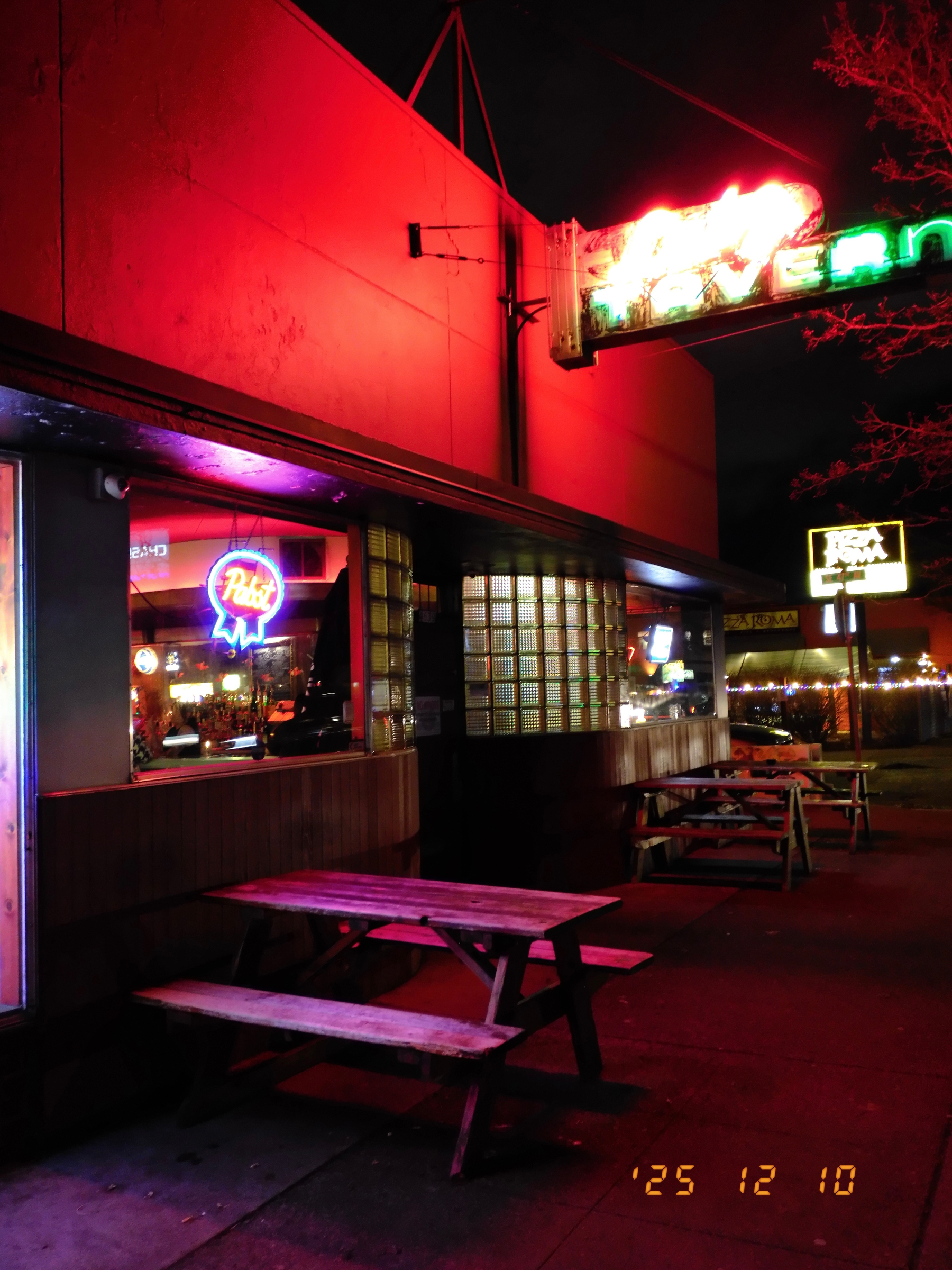
In every case, the little orange timestamp sort of pulls the image into a little persona. The oblivious party snapshot shooter, the film-burning tourist clicker, and the Goodwill $2 camera find, battery-held-in-with-electrical tape art crank. There’s a dweebishness to the time stamp – I associate it with a traveling companion who stole salt and sugar packets and secreted them into a ZipLoc “just in case” – but also maybe obliviousness, and also maybe disinterest in that particular detail in a “the best artists are a little slovenly because they’re laser focused on the muse” kind of way.
I think, as I get familiar with it and quit trying to understand how everything works I am going to end up drifting into the jankier end of the spectrum. I really enjoyed Jana Mänz’s Wabi Sabi Photo School few years ago. I put a little toy body cap lens on my X-Pro3 and lived with the fixed focus slow lens limitations. I still like seeing the things that came out of it once I got on a roll with it.
Which sort of raises the question, where does the creative spontaneity lie, anyhow? In a moment of abandoned capture, or the singlemindedness of letting the time stamp get cut off and tilted in pursuit of the thing that should look just so?
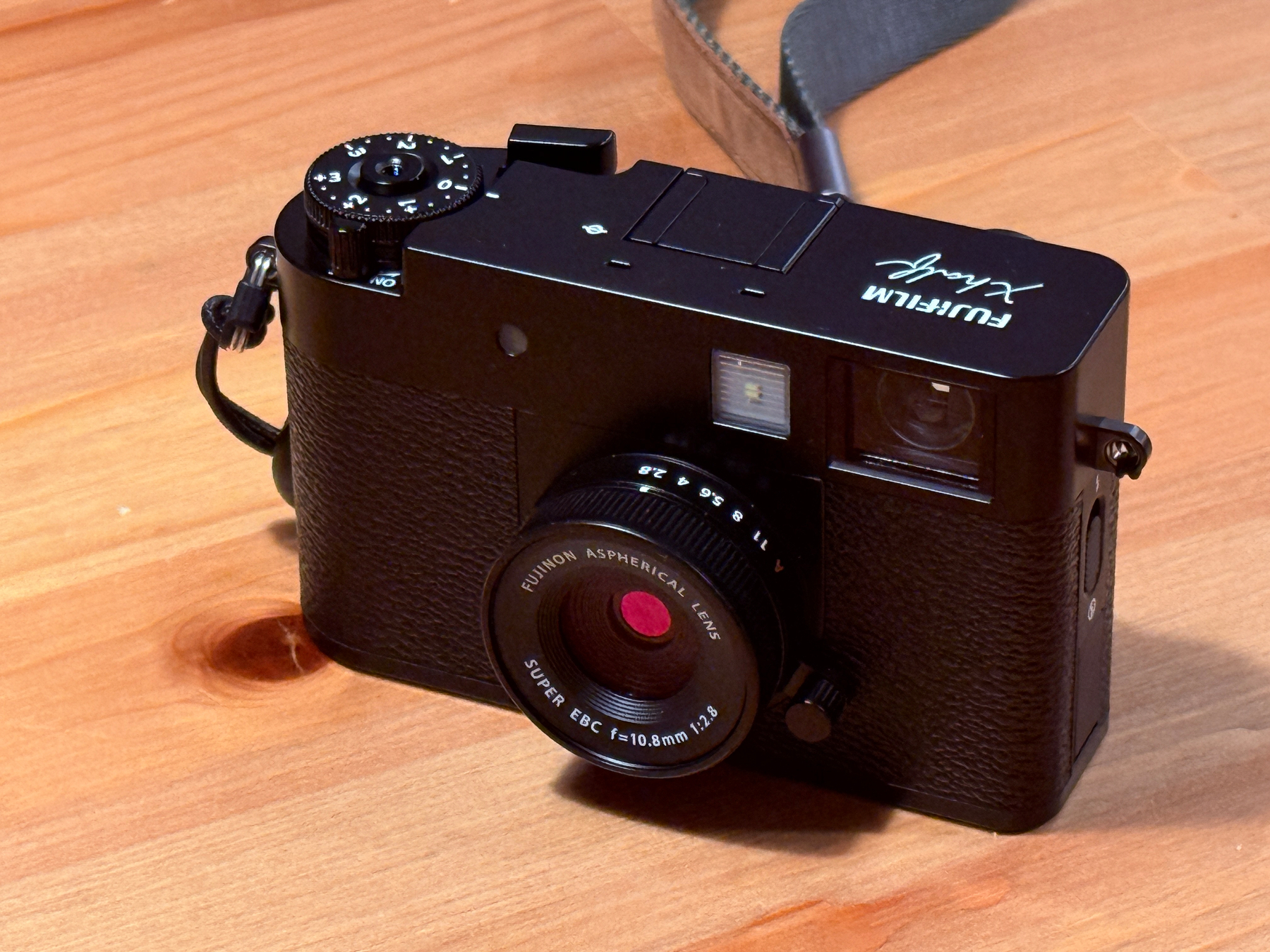
I got caught up on the (slightly dated) chatter about the Fujifilm X half and then decided to buy one. After a brief spin around the block, I think it is a keeper. The outrage it has generated is a little entertaining.
I have been buying stuff in the Instax ecosystem for years, including the assorted mechanical cameras, the digital hybrids, and a few of the printers.
On that side of the portfolio, they sort of nod over to the X series now and then, but stay grounded in the target demographic with big, colorful, rounded designs and simple supporting apps. They take a little advantage of the low expectations of their customers by introducing odd limitations with the digital hybrids, e.g. limiting obvious sharing options just to photos you have printed out of the camera (though if you decide to bother, you can always get them off the optional micro SD card, if you knew to install one in the first place).
I have a sweet tooth for toy and novelty cameras. There was a brief period in the early aughts where there were some genuinely fun designs, like one that was shaped like a thumb drive and came on a lanyard. I really loved the camera module on my Handspring Visor. For a brief period I had a shared photo album site set up I called “crapshoot,” and it was devoted to snapshots with bad early digital cameras.
I think because I learned photography as a supplemental skill to my small town reporting, I’ve always had a small inferiority complex about it. I learned how to do a very functional “will hold up well in a bad darkroom and newsprint environment” style. When I rediscovered how much I loved taking pictures, the thing I most loved about it was learning how to get into a particular frame of mind and treat photo outings more like a kind of walking meditation. So I went straight from “this is a task I do that involves a kind of simple craft” to “this relaxes me. I like what I see doing it.”
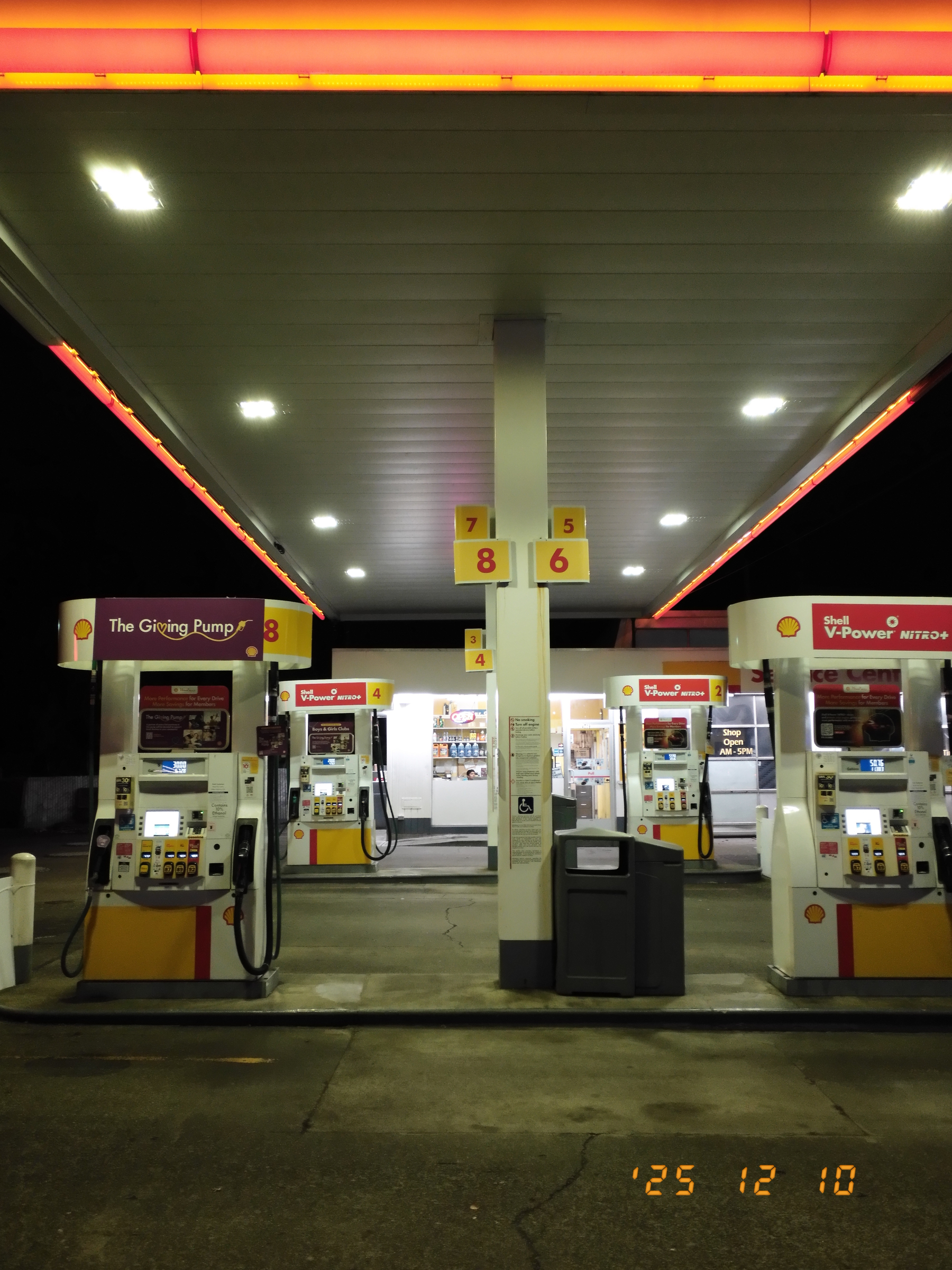
So I love taking pictures, but shy away from wanting or needing anyone to believe or think anything about what I’m producing. I make things that are to my taste. I like to have a supplement to my memories. Every now and then, when there’s an odd confluence of a story and me being around when it happens, I’m glad to capture it, but I am not really a street photographer in that sense, even if I sort of favor urban settings.
Toy cameras and bad cameras make it easier to always be taking pictures. They don’t attract a ton of attention, they don’t permit some kinds of rigor and control, and they do things/have artifacts that lower expectations – mine and everyone else’s.
Back to the X half, I really like the small subreddit for it, because you can see an array of styles and approaches. The “light leak effect + digital timestamp” people fully lean into the bit, and those are the features that seem most outrageous to the people who hate the X half (and probably hated Instagram filters). One commenter explicitly called out the softness of the images from the small sensor as a mark in its favor.
Reading assorted fora and subreddits, I see a number of people who are considering switching to the X half as their main camera, or comparing it alongside Fujifilm’s lower end ILCs as a simpler, more approachable option. One person sold a bunch of gear, spent some of the proceeds on an X half and just pocketed the remainder.
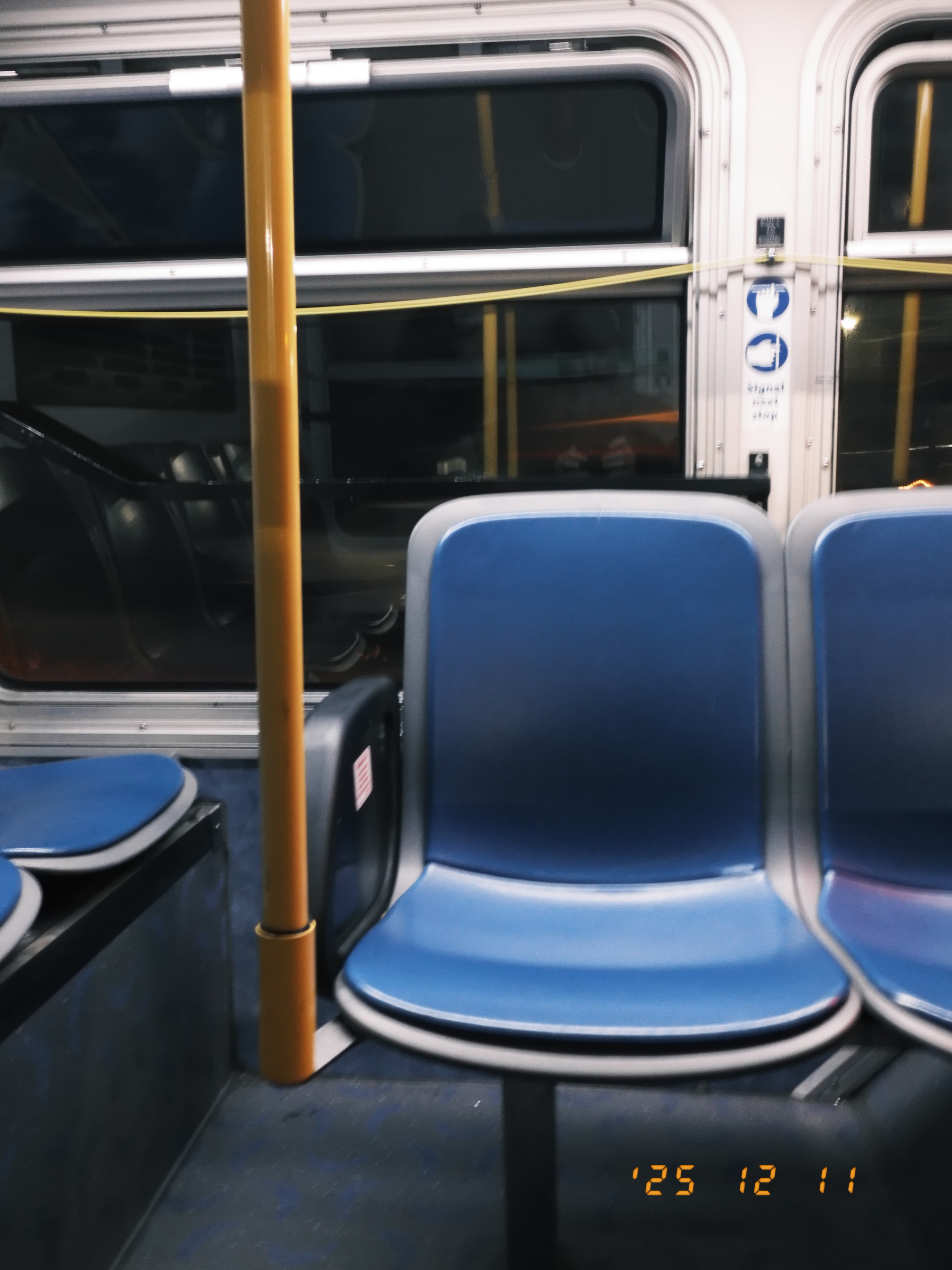
So there are people who take the camera very seriously despite thorough documentation of its limitations. I can’t get myself there: I want to have a camera that is in the “nice” tier, and that means the specs will probably start at M43, weather sealing, and a lot of control. I’d be very unhappy with an X half as my sole camera.
At the same time, look at the wider context of being a person who likes to take pictures, and the hustle-ification of everything. I’ve sold a few prints to people who’ve asked for them because I use SmugMug to host and it’s dead simple to turn on the cart and do literally nothing to sell a print at cost. I auctioned a few off for MetaFilter a few years ago, too. But when people ask if I want to make the whole thing into a side hustle, I’m a little resistant: When I restarted my writing career in the late ’90s, it took a lot of the joy out of writing for me, and it took a few years after I was done doing it for a living to be able to write without feeling a certain dull resentment.
Where photography is concerned, I just packed up the last of a big lens and body sell-off. A lot of it was gear I acquired because I was curious about a certain style of photography I thought a given lens would benefit, or because a certain body had some feature that would get me this or that thing in the pictures I took.
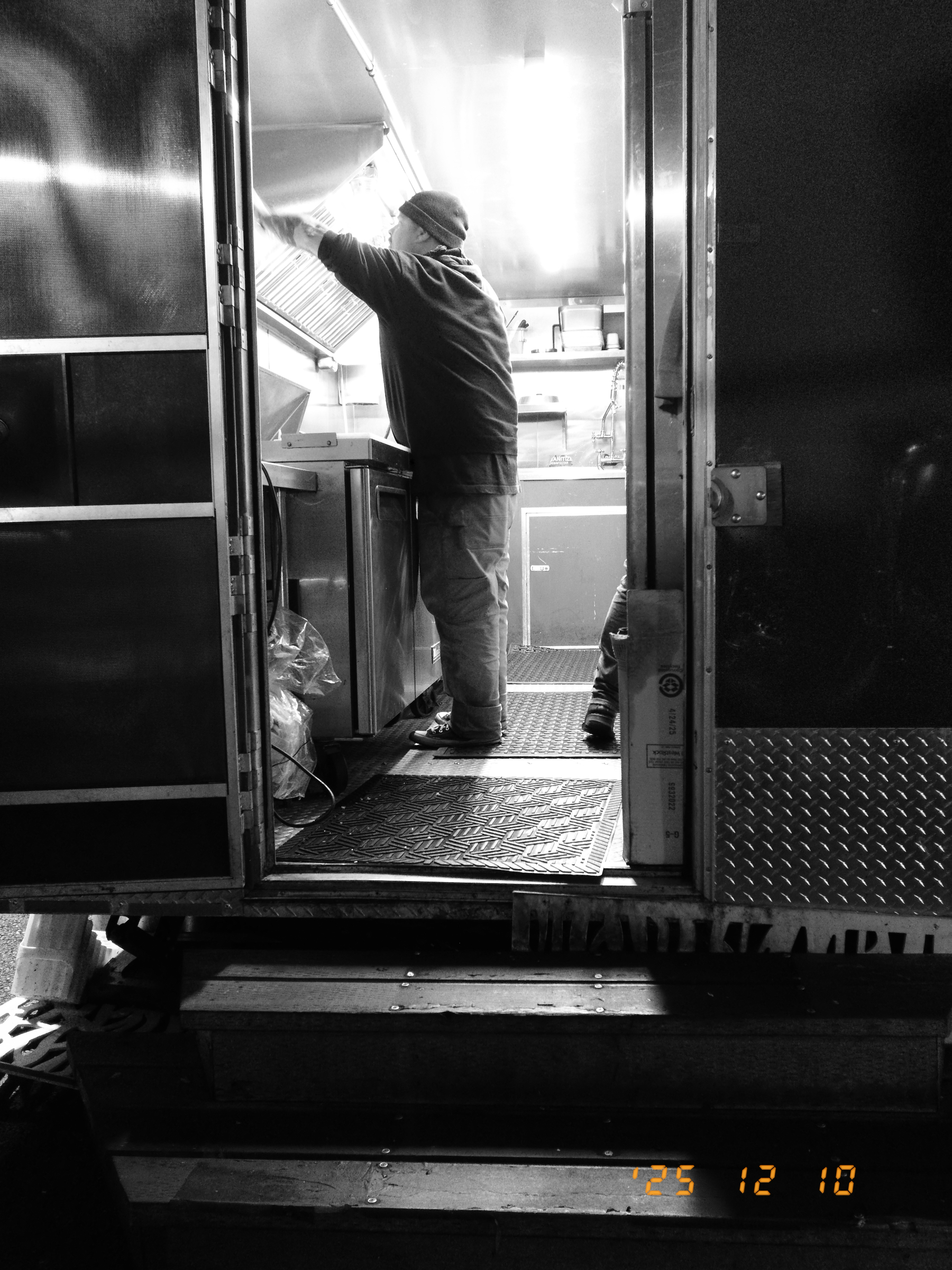
I feel immensely relieved about being down to a single “real” body and a few lenses for the kind of photography I continue to do despite all the side quests. I have two other bodies and two lenses: One’s my Fujifilm X-Pro3, which I feel very attached to. I kept my 23mm and 35mm Fujicrons to go with it. I am not sure it’s forever, but I didn’t like the thought of parting with it. The other body is my old X-T2. I don’t shoot with it anymore, but I have a sentimental reason to hold on to it. Some part of me wants to keep a foot partially in that world, and I’m just going with that.
But again, back to the X half, which is also in the collection now: I think I understand why someone would consider it as a main camera, because it’s a low-pressure device. There’s only so much it can do for you, and only so many choices you can make with it outside the act of simply shooting with it. I’ll spoil my first impressions by also saying that people have called it “plasticky” but it has enough heft and solidity that it feels “real.”
Taking it out tonight to put a few dozen shots through it before I met Al for dinner, I noticed a few things:
It really is very small. Easily jacket pocketable. Close to “pack of largish playing cards” size. People keep posing it alongside an X100 and it is hard to explain, but when you take a picture of them next to each other, it somehow doesn’t convey how small this thing looks and feels in real life.
It feels very solid. Dense. There’s a sense of weight to it.
People complain about not being able to see the little indicator LED to the left of the viewfinder. I was able to. By default the camera is set to center focus, and I could tell when it had lock when I composed through the viewfinder.
Where autofocus is concerned, since it does center focus out of the box and offers no AF feedback through the OVF (besides the green lock light to the side), you can just sort of treat that as liberating and do the old “focus and recompose” thing with it. I once read an extensive treatise with pixel-peeping proof of why that is bad, and it was early enough in my time with autofocusing digital cameras that I sort of internalized “compose, move the focus point; don’t focus and recompose.”
Once I realized that the half would utterly thwart any focus perfectionism, I just muttered a cheerful “well, fuck it” to myself and got on with focusing and recomposing.
(On reflection, this was a problem I had with the Ricoh GR IIIx. I had a little OVF that went in the hotshoe, but didn’t have center AF set up. It was annoying. And stubbornly dense on my part. Because I had way too many cameras, it was easy to just set the Ricoh aside and not try to work with it. If all my gear disappeared tomorrow and I woke up to a GRIII on the kitchen table, I’d re-order the OVF, set it to center focus, and use that for all my street photography. I’d bother with EVF and focus point setting for, like, portraits or things where nailing focus really matters. Not for “f8 and be there” sorts of deals.
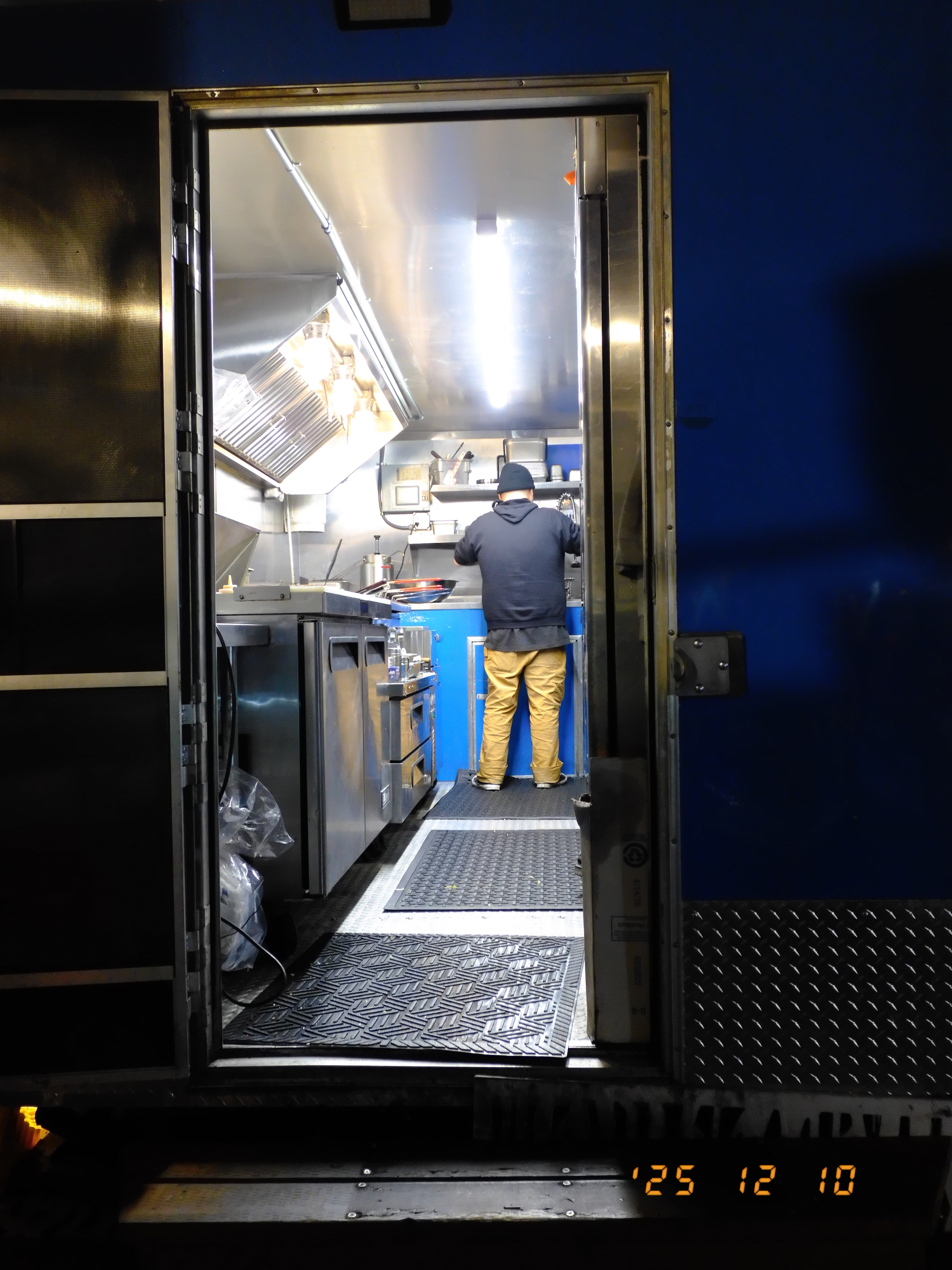
I was a little leery about the fact that it is all touch/slide control. It’s perfectly responsive. Much better than the old XF-10. The screen(s) are readable despite being so small. Enough to compose with and quickly review. You can pinch/spread to zoom in and out of an image.
There’s very little to control. You have a grain setting, an exposure control knob, an aperture ring, a simple Auto ISO function, a few autofocus modes, and face detection. There are no tone or saturation settings. You can manage white balance. You get a bunch of film simulations and a bunch of special effects. I think the color may be goosed a little but I can’t be sure.
I think there’s enough there to make nice jpegs. Not enough to go into a super deep rabbit hole.
I haven’t yet done a “roll” of film in the film mode.
The app pairs with the camera pretty reliably. Downloading pictures from camera to phone is as slow here as it is ever with any app/camera combo, so that’s what a USB-C SD card adapter is for. I did a firmware update with the app when I got it home and it was painless.
Well, I have this thing. It was $200 off, which made it pretty hard to ignore. I am not going to return it. I don’t even have a twinge of remorse. I sold off so much gear that this was a small percentage of the proceeds, and it truly is what I wanted the Instax hybrids to do, meeting me on the X series side of the product line while being simple and fun. So, Fujifilm granted me my wish and I’m gonna go with it.
I don’t imagine it to be a travel camera, exactly. That’s the OM-3. But it’s a fine downtown camera, a running errands camera, karaoke night camera, etc. etc. Too small to not just bring along where I might balk with the OM-3. Just toss it in a sling or stuff it in a pocket and know I won’t have to suffer the indignity of taking pictures with my phone. Seems okay.
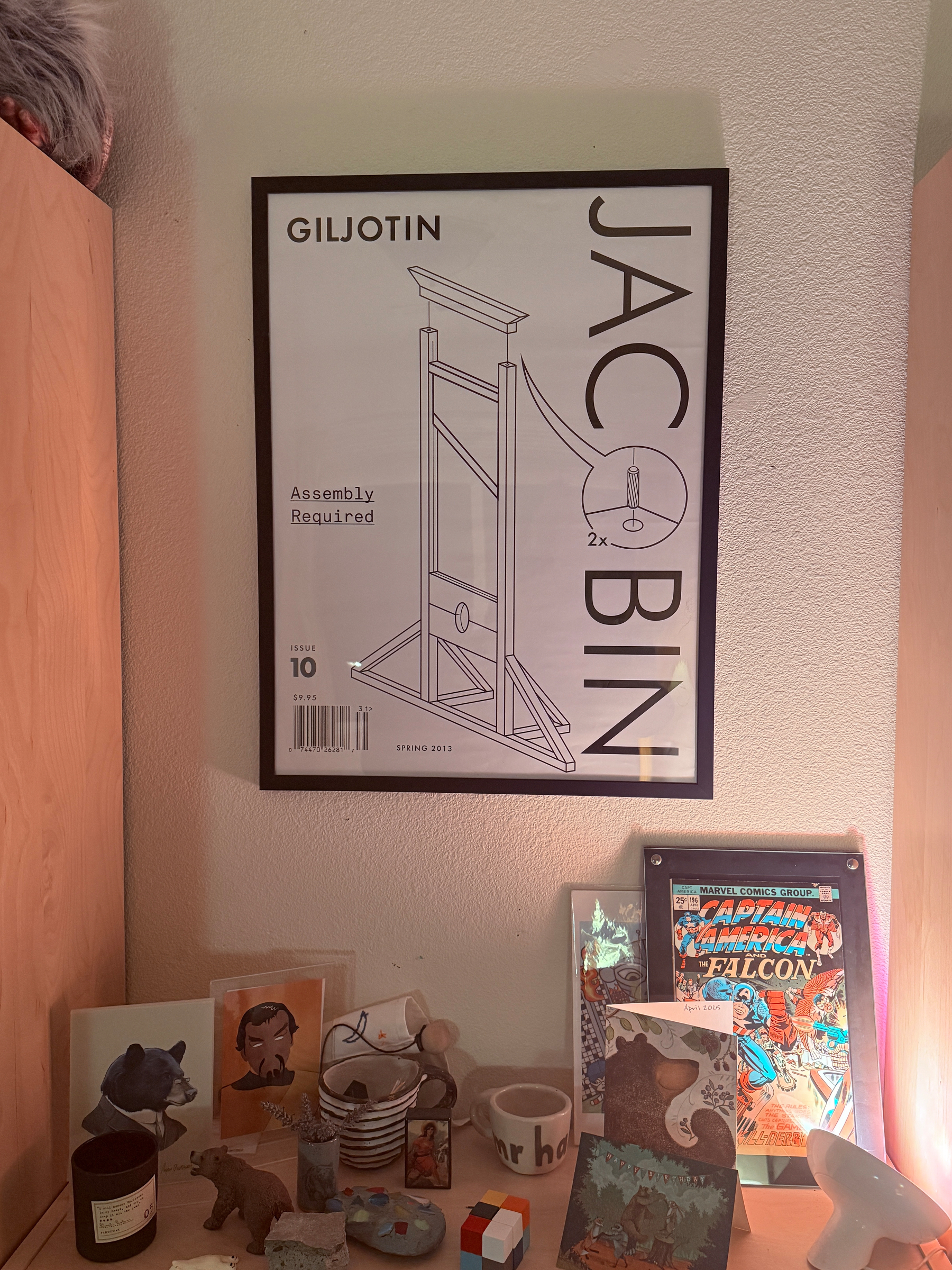
New office art.
I think the correct progressive position on the Uncle Tupelo schism is pro-Wilco. Whatever, but it freed Farrar.

Lents is a funny neighborhood. I think the problems posed by the Woodstock/Foster/i205 couplet will permanently depress the Lents Town Center’s full potential. With as many apartments as have gone in you’d think it’d support a small market, but it’s a tough neighborhood to walk, split up by the couplet and the bypass. So for a lot of day-to-day stuff in our corner of it you can either head over to Woodstock, down to Johnson Creek or up to Foster.
The heart of the Woodstock neighborhood is about 40 blocks—2 miles—away. Over three seasons it’s a pretty nice walk, in the winter it’s not great. It’s okay by bike, but the main drag has really aggro drivers, and the unimproved roadways in that neighborhood mean you can’t really just assume a safe grid to evade the arterials. In the winter, the aggro drivers, dark conditions, and narrow areas where bikes and cars have to squeeze together make it pretty daunting.
Also, forget taking a car. Parking is not actually too bad—nobody seems to be policing the giant Safeway parking lot—but it’s really not a fun neighborhood to drive through. Lots of people on their horns, sorta slow going.
There is, on the other hand, the 19 bus line. The nearest stop is a five block walk, and there’s a shelter. When I need to run an errand into Woodstock I grab the Transit app and figure out when I need to go out the door. The ride itself is maybe 10 minutes. If I time my errands right I can probably hop off the bus, do what I need to do, and cross the street to catch the bus headed home with time to spare. Today I headed out the door at 3:15, ran through the UPS store to ship something, and had a ten minute wait for the return ride. I was home by a bit after 4.
Woodstock is a nice neighborhood to have this easy a connection to: There are two grocery stores, a hardware store, a bakery, a legit butcher, bars, restaurants, a newish food cart pod. With a big Banjo Brothers backpack I can haul a lot of stuff.
It’s pretty easy to knock off for the day, hop the bus to Woodstock, grab groceries for dinner, and be most of the way through prep before Al gets home.
There’s also the 14, which runs up Foster. It’s a bit longer walk to catch it, but also a quick ride to the good stuff on Foster in the 50s and 60s: Bread and Roses Market, Bar Carlo, Bruno’s, and a new kitchen consignment shop, among lots of other stuff. Also fine for walks or bike rides in nice weather. Also not somewhere I like to drive for as short a distance as it is.
And there’s the 72, which goes up and down 82nd. It’s a busy line, but the nearest stop is five or six minutes away, and it’s another quick ride down to the Johnson Creek shops, where there’s a Trader Joe’s, our pharmacy, a FedEx drop, and a few other things. Biking around there is not great. Walking is atrocious. Taking a car is frustrating. The bus is pretty nice. /r/Portland lives in superstitious dread of the 72 because there are a lot of poor people on it.
Anyhow, it took me a long time to understand the short-range benefits of the bus service. It just seemed easier to hop on a bike or plan for a leisurely walk. Now that winter is here, though, and it’s dark and wet, I really like running errands using the bus, especially into Woodstock. There’s a short, blustery walk, a wait under a shelter, then a quick ride. No worrying about getting run over or getting soaked.
The 14 & 19 will also go downtown, eventually. In terms of total trip time, they’re about as fast as the Green line (I have a longer walk to get to the stop), slower than a determined e-bike ride, and much slower than a car, but you can have that second Old Fashioned at the Tear Drop with any of the TriMet options. I tend to prefer the Max for downtown trips because it’s quieter and smoother.
Anyhow, tonight I signed up for a bunch of TriMet newsletters. I’m a fan of our transit system. It felt sort of prosocial.
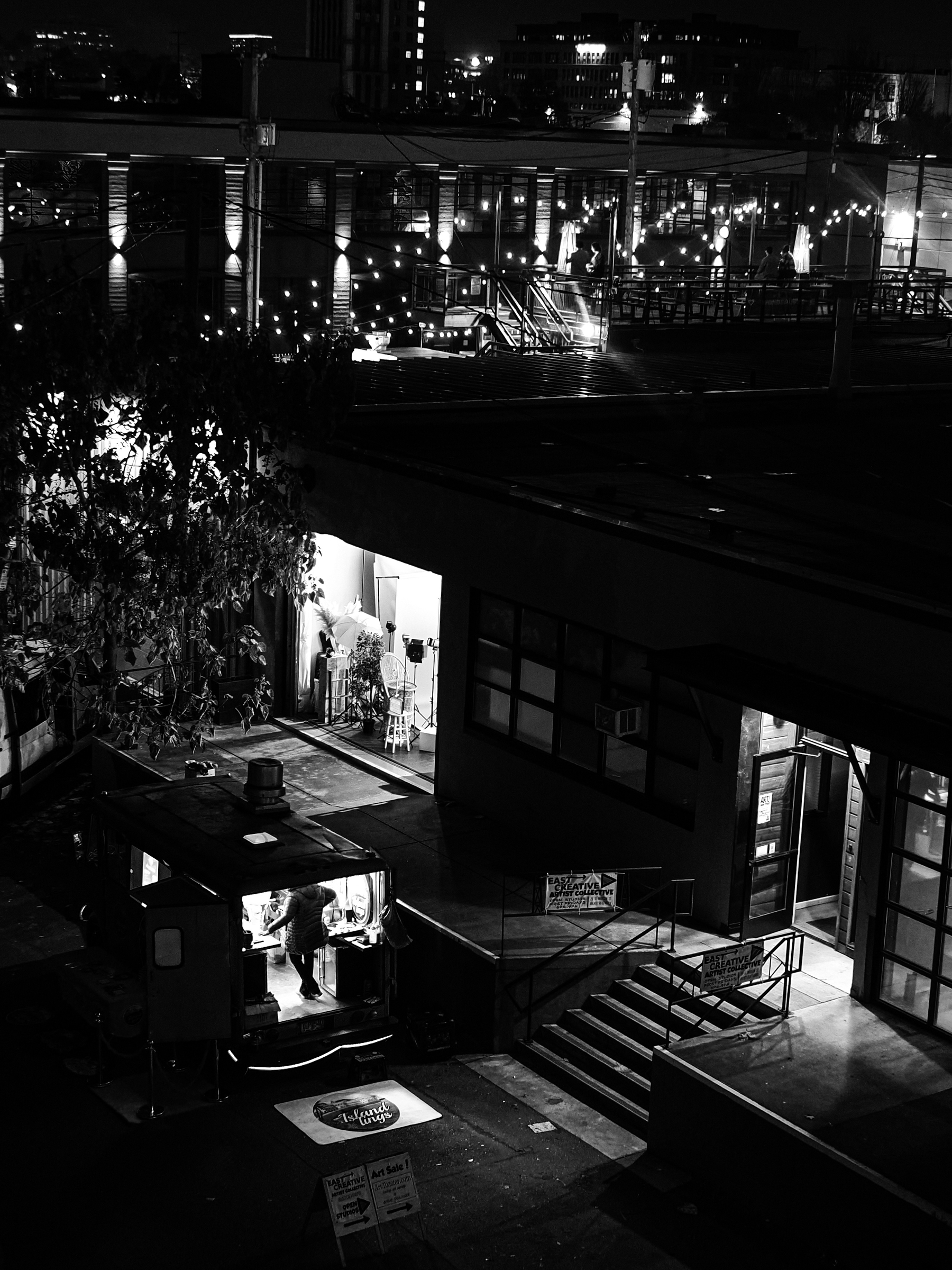
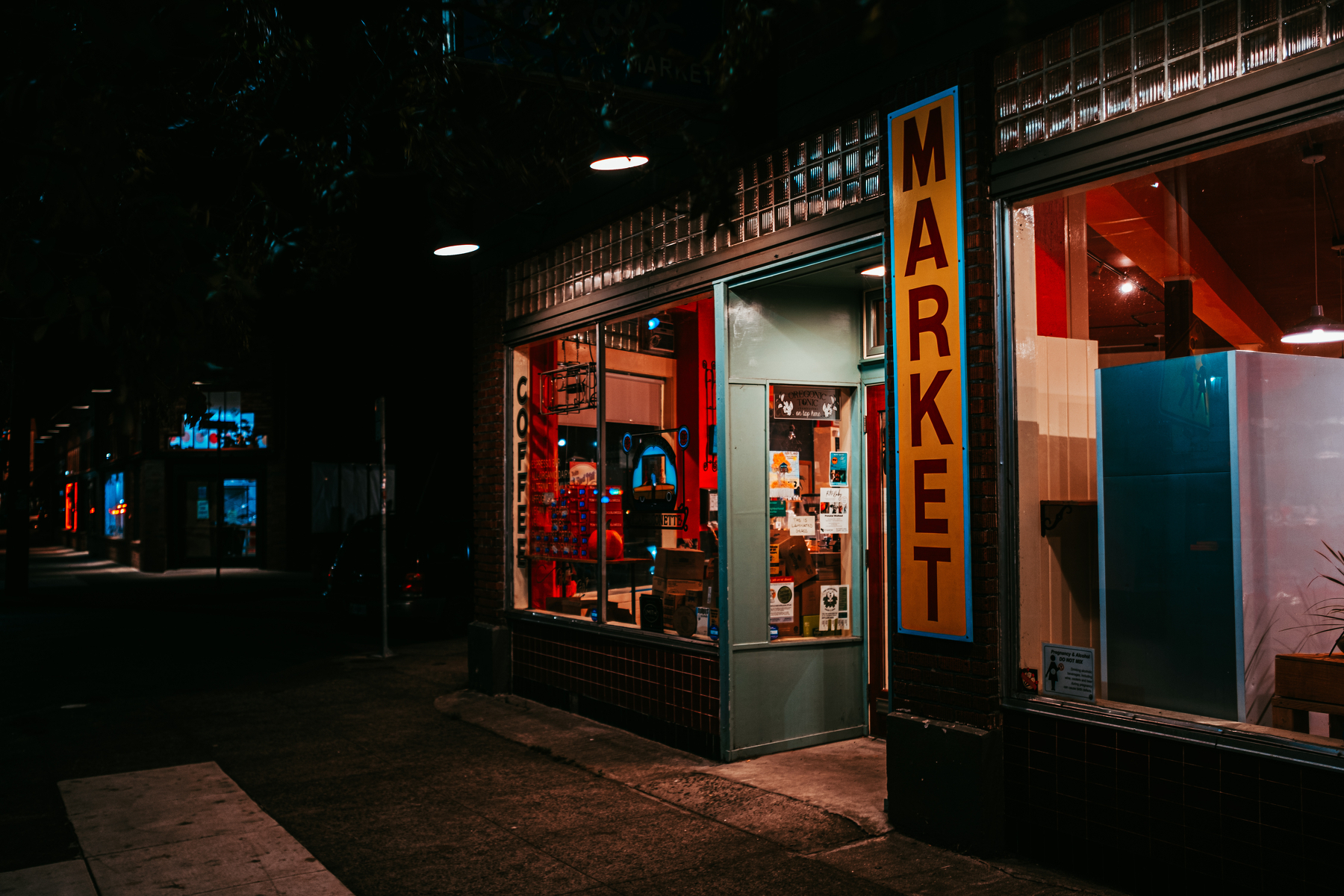


“This is no time to be driven by ideological rigidity given the current economic and political climate.”
Signed,
People driven by ideological rigidity who just don’t realize it.
… meanwhile, I’ve learned that the fastest way to do intra-family cash transfers is to use my bank’s SMS service, which still works: t $n ACCT1 ACCT2. I even made a Shortcut out of it to help pick which account to which and for how much. It’s way faster than the website or the bank’s app.
I haven’t thought of OLPC in a long while. Back when it was a thing I went on a journey, from sorta maudlin and hopeful to crabby and resistant. Being reminded of it now … curdled in the same way I remember the Obama era now.
Well, let’s see how this Apple Music embed plugin works.
#highonfire #metalmondayonsunday
As part of my account cleanup and general retrenchment, I finally canceled my feedly subscription and moved the RSS feeds I follow into Unread, which provides its own syncing back end across Mac, iOS, and iPadOS. Great.
In the process of canceling my feedly subscription it reminded me I have over 30 feed filters enabled. Hm.
Oh, right: The Oregonian, my hometown paper. I pay for a subscription. The website itself borders on unusable, and the RSS feed is a nightmare. There’s only one. At some point they had feeds by section—there’s evidence of that in their outdated help documentation—but no more. You just get everything:
… plus the actual news news, but good luck finding the kernels of corn in the pile.
And if you do manage to spot a news article you’d like to read, their paywall has the memory of a goldfish and godawful session handling: You’ll land on your story, get directed to the paywall, go through the login, then get kicked out to somewhere besides the story. It’s really, really bad.
I wrote the paper’s editor about this a while back, before she retired. As you might expect, the online publishing division doesn’t answer to the editorial division, and there was also the same “that stuff gets views” rationale I remember from my online media days, when we thought “views” was the prime metric.
Last month as I was cleaning up subscriptions Apple informed me I could get News+ added to my existing Apple bundle and end up paying less per month than without it, so I went along. The Oregonian is one of the publications in the News+ package, so I follow it (where they still dump a lot of junk, but not quite as much). And if you just add Oregon and Portland as topical areas to follow, the Oregonian gets pulled in to that. So I just dropped the RSS feed from my local folder (but still have WWeek, because they don’t show up in Apple News).
Some people are, like, “drop that centrist rag already … the Mercury and Willy Week are all you really need.”
Honestly, kindly, gently: lol.
I’ll always read their coverage—media literacy is about understanding and balancing a diversity of inputs—but they’re just not enough, and their reporting can be weirdly incurious if they can’t find a salacious or spicy angle. The Oregonian has its own biases and general slant, but it provides more coverage, and more diverse coverage. It’s essential.
Anyhow, I am guessing the Oregonian gets a lot more money from my paid, direct subscription than they do whatever revenue sharing Apple gives them for a content license, but their website is atrocious, their RSS feeds are unusable, and their editorial staff is held hostage by a web team operating on 2008 rules.
I wish they’d get nonprofit status so I could just budget them under “charity.”
I took a look at Structured when it first showed up a while back. Since it prefers to work within the Apple ecosystem I couldn’t use it for work because we’re a Google shop. Since then I’ve started using the native-ish Apple internet accounts -> Apple ecosystem integrations, which provide an indirect Google integration. For apps that support the stuff Apple ships, that works pretty well.
In the case of anything to do with a calendar, where Google Calendar is providing the back end, there’s going to be a certain amount of split living if you don’t want to just go live in Google Calendar’s web and mobile apps: Any video conferencing integrations you’ve got will require a manual tweak for events created outside Google’s web or mobile apps, and I’d argue Google’s own availability widget is better because it is more transparent.
But at the boundary of working with your calendar as opposed to working on your calendar, Apple’s stuff is fine. You can tell where stuff is scheduled, you can use the iOS and macOS widgets and alerts, you can get the benefits of Siri and Apple Intelligence integrations, etc.
Structured is a timeblocking tool. It shows you your Reminders, it shows you your calendars, and you can drag reminders into a list of your appointments for the day where they fit. It offers a few extra things, like assigning an energy level to each item so you can keep track of how sustainable your day’s plan is.
Yep, there are other ways to time block. Reminders and Calendar integrate with drag-and-drop now, so you can literally drag a Reminder out of a list and into your calendar to schedule it if you like. Structured refines the idea a little:
To start, you can configure which calendars and Reminders lists it can work with. I’ve got some “to-read,” “to check out,” etc. Reminders I don’t care to ever time block, so they stay out. I’ve got a few other things that are super granular, and generally opportunistic, so they stay out. I leave in Reminder lists for broad areas of concern: Each of the three functions I direct at work, a few lists for broad initiatives or concerns, and a couple of domestic sphere things.
In the main Structured screen, you get a day view that shows all the scheduled blocks from your calendars.
The Reminders from the top of the list and the Inbox area can be dragged in to the day’s schedule. That’s the core idea.
For instance, just now as I was sitting here typing, I couldn’t unsee a Slack notification from someone working over the weekend. I made a Reminder in my inbox, gave it a due date of tomorrow and kept moving. Tomorrow morning, when I triage and block my day, it’ll be in the list at the top of the day ready to be dropped in and time blocked.
For $15/year to unlock access to your calendars and Reminders instead of just using its internal appointment and calendar model, that seems fine: It’s an overlay that lets you manage your time in a certain style.
There are a few other things that are potentially handy:
First, you can add subtasks to a calendar item. They’re visible only to you and they don’t turn up in Structured’s task model. GTD people will probably grind their teeth at the idea of having another inbox, and that’s reasonable. I think these are probably useful less as a whole unit of work and more as ticklers or reminders. The immediate idea I had for them was to add them to 1:1s and other meetings where I need to check in on something. There are other ways to do that.
Second, there’s an AI assistant (using Apple Intelligence) that helps with subtasking a given item. I gave it a try on a few things where I had a loose list of next actions copied into the task note from somewhere else, and it did okay picking out the work items and making subtasks out of them with the prompt “subtask based on the notes.”
Third, there’s a “Replan” feature that lets you visit the purgatory of tasks that have passed their due date and put them back into circulation (either by turning them back into Inbox candidates or giving them a new date).
Oh, it also provides a web app with a Pro ($15/year) subscription. I am trying it out on my iPad Pro with a keyboard (more or less my laptop replacement) so I haven’t used that much.
There’s also one glaring oversight: No search. That’s on their roadmap. If you want to find things, you need to either pick through future dates or go back to Reminders and search from there. I wish it had search, and it should have search, but the app didn’t start life as a task manager, it started life as a time blocker.
Structured is interesting because it can break either way in terms of how much of your task management life it takes over:
Because it starts from its own internal task and planning model, you could use it as your sole todo app, understanding that it won’t lend a lot of support to your conception of task containers, whether those are “Areas,” “Projects,” “Lists,” or whatever. If you have a bunch of plates spinning in disparate areas, I don’t think it’d be a good desert island tool, because you’d probably end up shimming in some kind of meta layer that would end up hiding work or making it fussy to manage.
(There is, btw, a ticket in their roadmap for filtering, folders, etc., and the comments on that thread tell you all you need to know about how many ideas people have and what a recipe for UI messiness containers (projects, areas, whatever) could be. Good luck, Structured team.)
As an augment to Reminders, it sort of shrinks in ambition but gains in enabling easy timeblocking the work you’re deeply organizing elsewhere. For instance, my Reminders set up has several groups:
Within those groups you might see lists like:
The groups provide high-level segregation of the modes I operate in. The lists are either very tactical enumeration of a bunch of little things to get a household project done, or just work items that fall under a broad area of concern. Because I like my “big dumb list,” the Reminders “Scheduled” filter lets me see everything I put a date on, and the “All” filter just shows all of it by list. That more or less gives me the best of both worlds: Filtering to preserve attentional resources, and broad visibility to reassure myself nothing is hiding somewhere.
Structured just provides a sort of last mile for turning those things into action within the constraints meetings and 1:1s introduce into a given day.
Yesterday I wrote up GoodTask , which is more of a Reminders UI enhancement skin than a time blocker. It has some time blocking capabilities, but nothing quite this refined for timeblocking specifically. It’s more like a way to wedge a lot of OmniFocus’s Perspectives into the Reminders database while providing some ways to add metadata that are less fussy than Reminders itself. You could use the two together and never even look at Reminders itself if you wanted.
Because I try very hard to keep third-party apps out of my life, Structured and GoodTask are interesting edge cases. Because they’re inexpensive and don’t mess with the underlying data in Reminders and my calendars, I’m okay with them. They’re just augments. If they stopped working tomorrow, I’d be left with the basic tools again, and still on a footing of having my data and being able to work with it in tools that are good enough. They’re sort of like Greasemonkey scripts I can rent cheaply, just for apps.
I could choose a second order of rabbit-holing about whether or not the Apple ecosystem is forever. I’ve decided that if the Apple ecosystem ever ends up not being forever, some change in life circumstances must have made any todos I was tracking irrelevant to the current moment.
Okay. Enough. The problem I’ve been thinking about this weekend is “where to keep things to do.” I’ve made a choice (Reminders) and have a couple of tools to augment it.
I found GoodTask today. Or re-found it, anyhow, because the App Store had the little cloud/down-arrow icon that told me I’ve downloaded it before at some point. It’s pretty much a skin for Reminders, but it’s a skin that gives me stuff I’d otherwise pay a lot for OmniFocus to do that instead costs $9.99 once, and it includes some affordances that make some of Reminders' more fussy UI gaps less fussy.
It promises “From Simple Checklists to Complex Project Management,” but I don’t really want a complex project management tool and need just a bit more than “simple checklists” and just a few more smart list options than Reminders provides.
Doing an inventory today, I realized how much I’ve allowed the language of projects to slip into my mental model. I don’t have “projects,” I have areas that occasionally involve things that have a couple of other things nested in them. When something gets so complex that it’s a project, there’s a staff program manager sitting right there who can help with wrangling the work streams.
GoodTask includes a Smart List feature that works close enough to OmniFocus’s Perspectives for my purposes: It took about two minutes to make a Big Dumb List of date-sorted tasks in my Work group. If all hell broke loose and GoodTask stopped working tomorrow, it’d sort of suck but it separates its organizational metadata from Reminders' enough that the real fallout would be “well, I need to drag some of these groups I made into new Groups in Reminders.”
It also lets you tell it to leave some lists in Reminders out of its reckoning. I have a few shoebox lists that just gather recommendations, items of passing curiosity, to-read, to-watch, etc. I don’t want them in a tool I’m using to manage things I have to actually do, so GoodTask hides them for me.
This is all coming after a reorg I did with my group at work. I’ve got historical reasons to be a little averse to reorgs, but this was one of those times where I was watching managers tripping over each other to get capacity for their projects, unpleasant “everybody in the org is at the same meeting” experiences, and a realization two-and-a-half years into this place how few professional development opportunities we’d made for people. So we spent a month as a management team, talking about where we wanted to go and what we wanted to do, and how we could think beyond “this team is full of people who do this kind of work, and that team is full of people who do that kind of work.”
And for me, I felt mired in the day-to-day of the managers under me, trying to sort out what went where and playing a glue role all the time to hold us together at one level, with no room to figure out new levels.
Shifting from a very rigidly functional structure to a delivery-oriented structure is creating some definite short-term pain. We inventoried all the things we’re doing and decided that we could allow one particular kind of work to be much more distributed in order to concentrate management attention on other kinds. That distributed work needs some supporting rituals and routines to keep on track.
But for all the short-term tradeoff pain we’re dealing with, I came out of the planning cycle for next year with sign-off to build a new program and a new governance structure, and with a mandate to add a role that seemed out of the question a month ago. I have to refine my model of what I think work is.
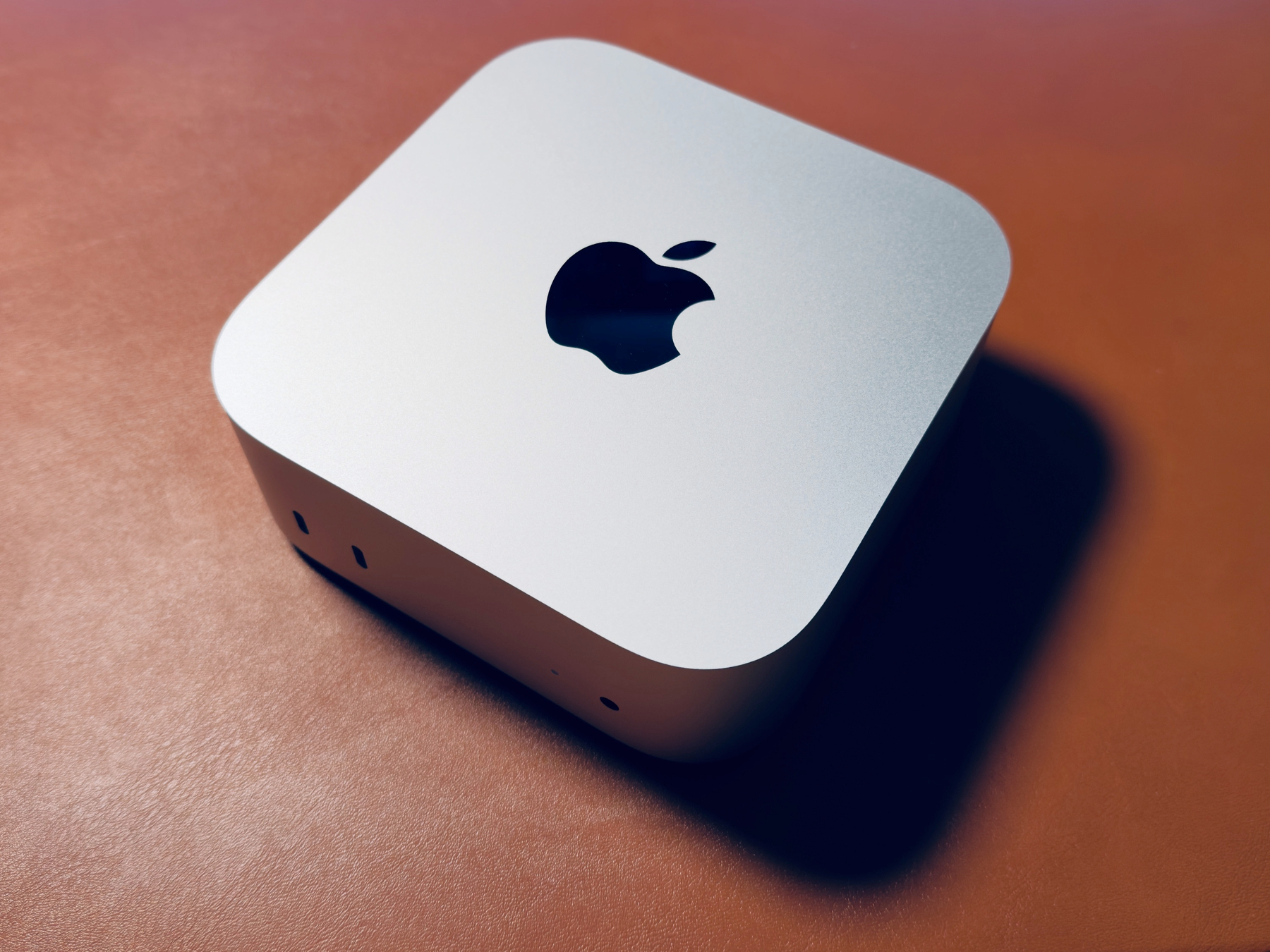
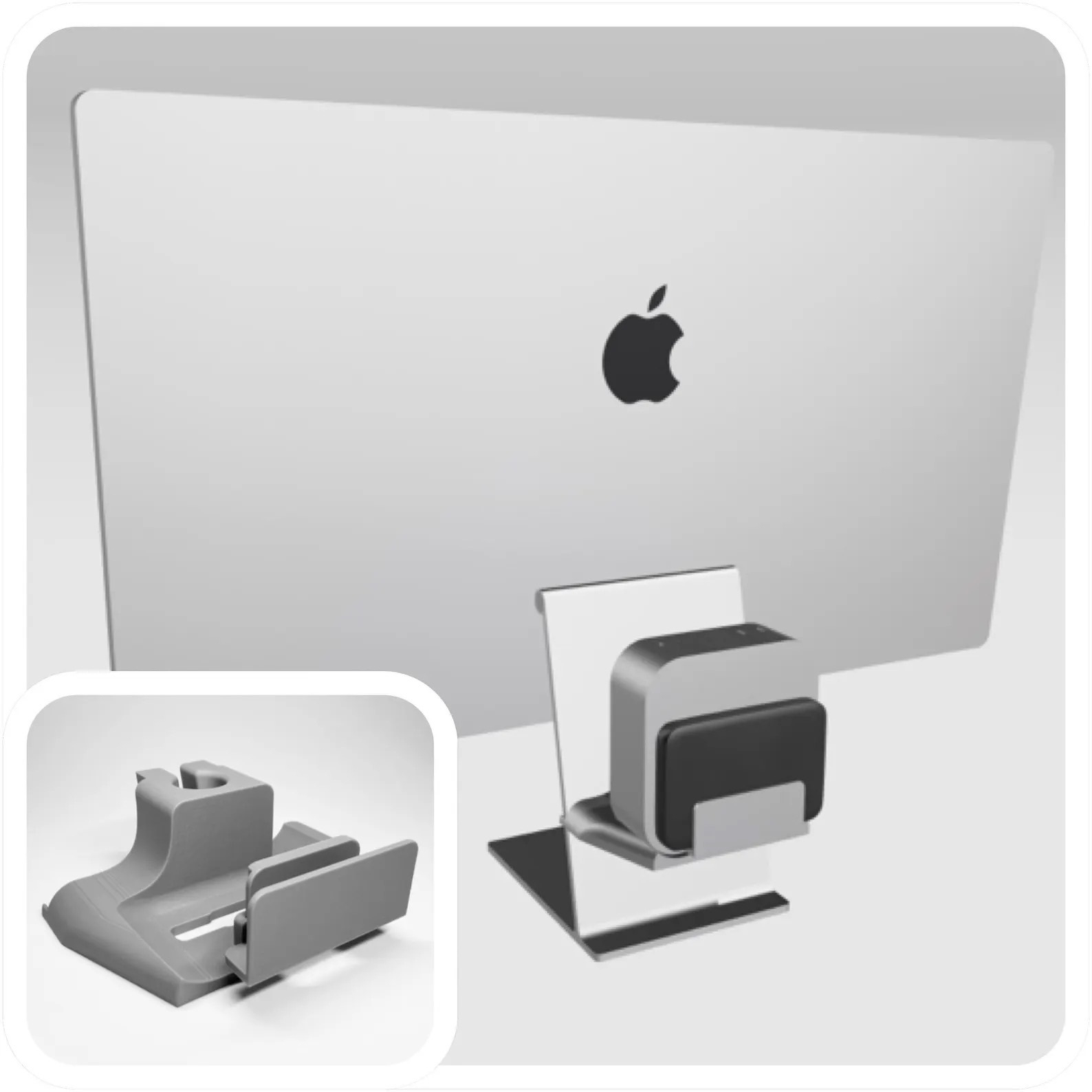
Well, the Activation Lock thing resolved easily overnight and I’ve got this Mac mini M4 Pro in place now. Now I need to decide how bananas minimalist I want to get with my desk.
I changed my iCloud account address after I bought a Mac Studio. I was just now trying to deactivate and wipe the it for trade-in & the helper app won’t complete without the password for a non-existent account. Ticket in to remove the Activation Lock, but I had to jump through hoops to file it.